

🛠️ 2026 Buyer’s Guide
A 2026 comparison of Chameleon Creator, Articulate Rise, Storyline, Captivate, and Easygenerator
With so many eLearning authoring tools, how do you find the one that actually works for your team—and your learners? We compare what matters most: design quality, scalability, usability, interactivity, analytics, and speed to iterate.
At‑a‑glance comparison
| Tool | Design flexibility | Interactivity & branching | Ease of use |
Analytics/feed-back |
Publish options |
|---|---|---|---|---|---|
| Chameleon Creator | High (on‑brand layouts, components) | Branching, 25+ interactions | Designed for all skill levels |
Built‑in analytics + Chameleon Collect (learner feedback) |
SCORM, URL link share |
| Rise 360 | Low | Basic interactions | Very easy (templated) | Via LMS/LRS; limited insights | SCORM |
| Storyline 360 | Very high | Advanced branching, custom design | Expert‑friendly | Custom xAPI statements possible | SCORM |
| Adobe Captivate | High | Strong for simulations | Intermediate–Advanced | xAPI supported via LMS/LRS | SCORM |
| Easygenerator | Low–Medium | Basic interactions | Very easy (SME‑first) | Built‑in LRS + external xAPI | SCORM |
🏆 1. Chameleon Creator
A modern, design‑forward authoring tool that balances speed, flexibility, and learner engagement. See platform overview

Why teams choose it |
Drawbacks |
| Highly customisable visual design for on‑brand learning. | Not designed for highly complex simulations |
| Easy for SMEs and designers to co‑create. | |
| Branching, analytics, and learner feedback via Chameleon Collect and Chameleon Analytics. | |
| Publish to SCORM or share a secure link in seconds. |
“It took me an hour without any training to master.”

Lauren Jepson, Contact Energy
Head of Talent, Learning & Capability,
Results from customers:
- AFL: +71% completion and 20× increase in optional module participation.
- Specsavers: +38% learner satisfaction; 4.6/5 average rating.
- ANZ: 450+ learning resources created by 400+ users across 5 regions.
- NRL: Shifted to Chameleon to increase engagement for volunteers.

2. Articulate Rise 360
Quick, structured—and sometimes rigid.
Why teams choose it
- Fast, templated builds for general purpose.
- Clean, responsive output.
- Part of the Articulate 360 suite and integrates with Storyline.
Drawbacks
Note: Rise can publish xAPI packages, but does not offer the same level of custom statement control as Storyline.
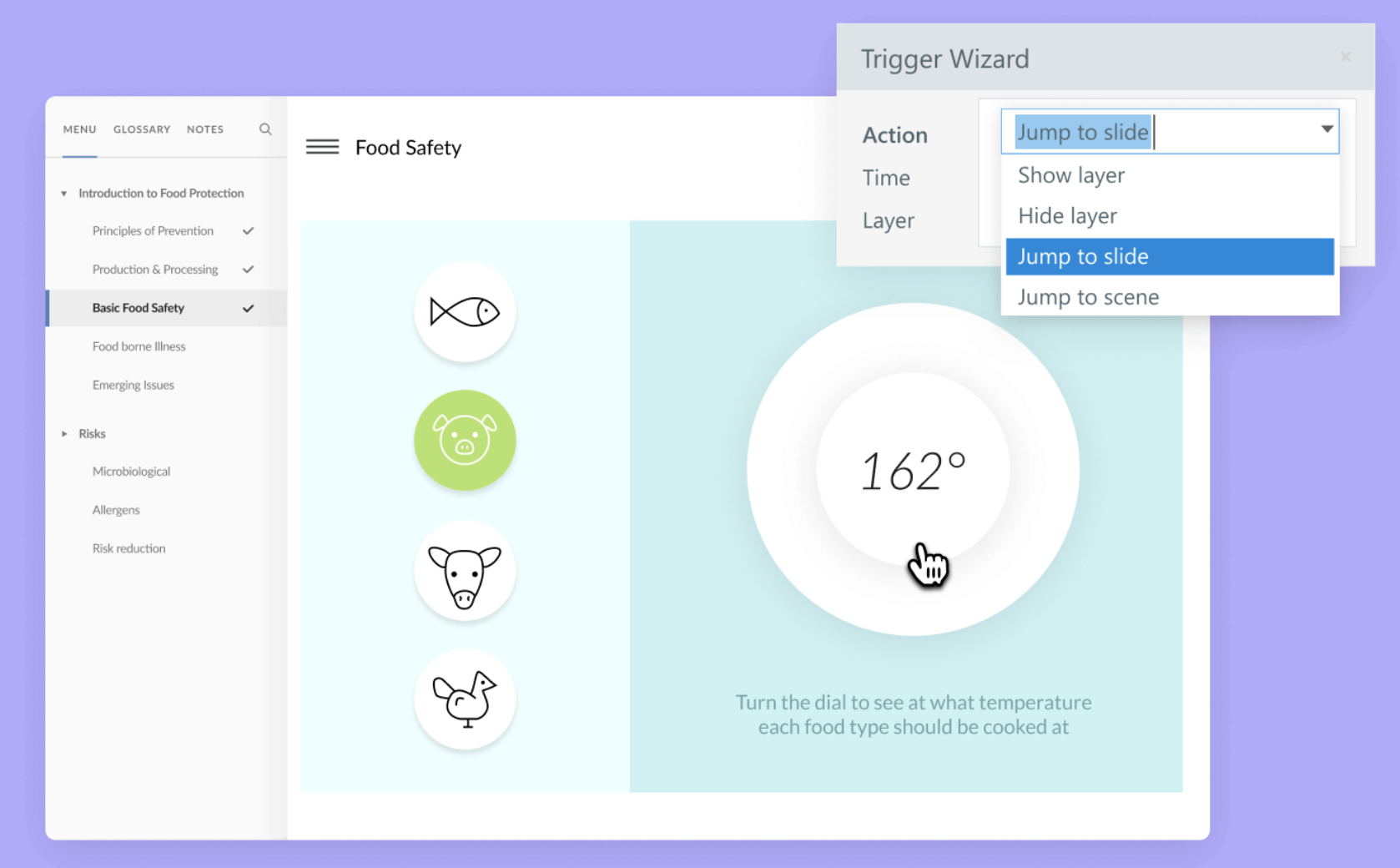
3. Articulate Storyline 360
Deeply customisable—powerful, but slower and more technical.
Why teams choose it
Drawbacks
- Steep learning curve; longer production time.
- Desktop‑centric workflows; less ideal for very fast iteration.
- Doesn't work on Apple products.
- Non-responsive (won't respond to fit mobile screens)
4. Adobe Captivate
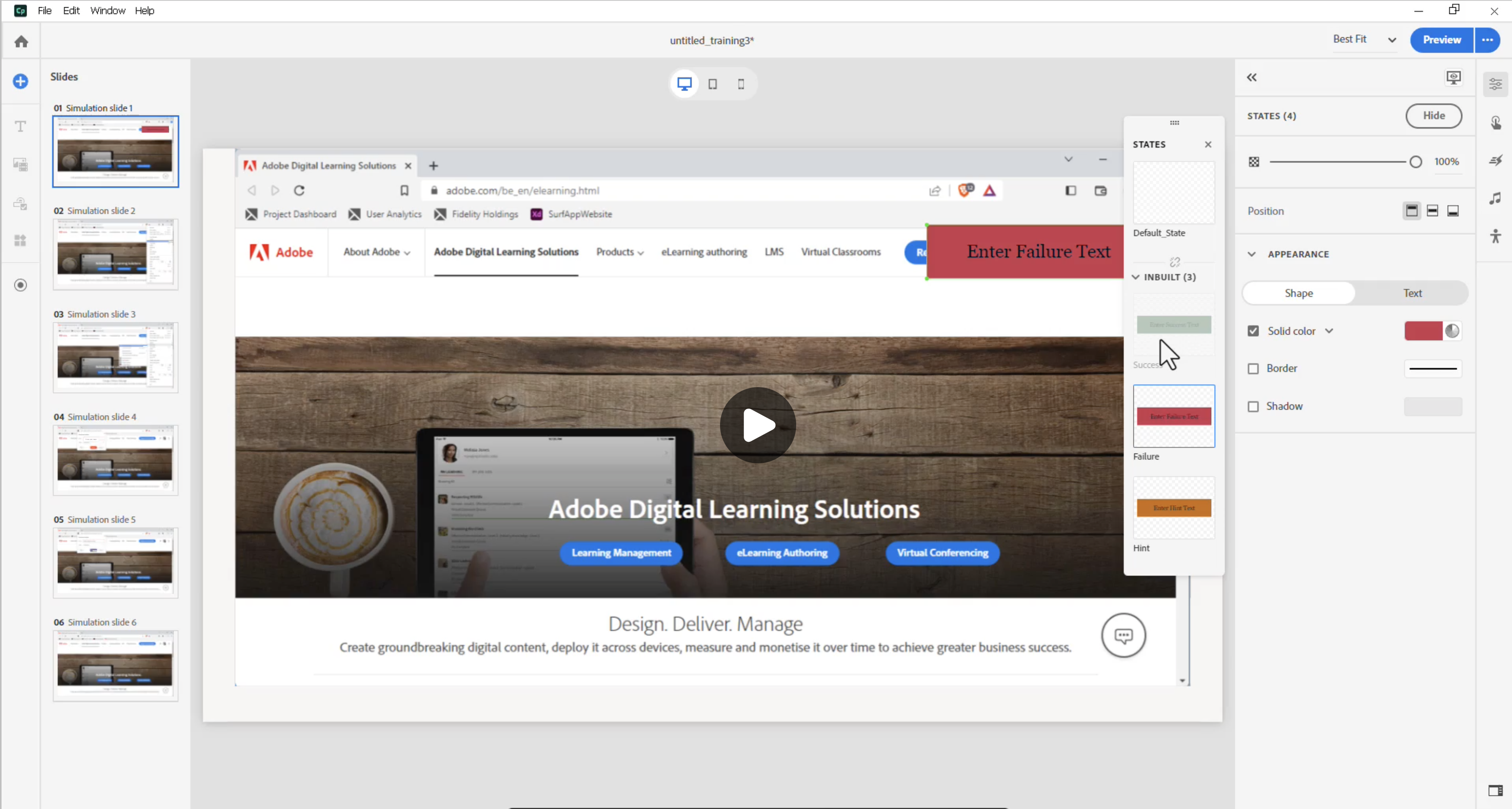
Adobe Captivate is a strong choice for organisations looking to incorporate VR and AR into their learning experiences. Great for simulations but can be complex and challenging to use.
Why teams choose it
- Strong for software demos and screen recordings.
- Modernised UI ("all‑new Captivate") with responsive options.
- xAPI workflows supported via LMS/LRS. (Overview)
Drawbacks
- Less friendly for generalist teams
- steeper learning curve.
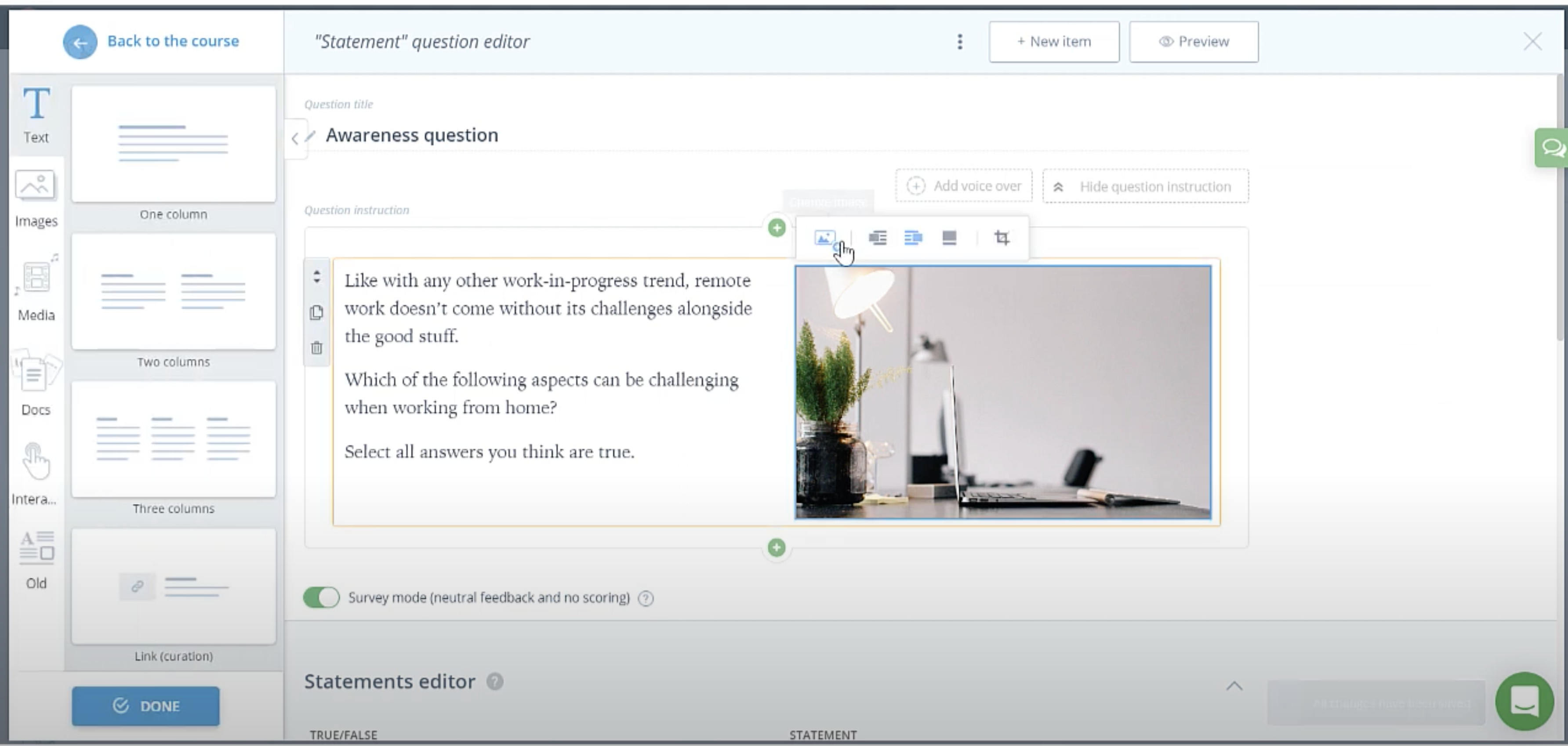
5. Easygenerator
Simple, fast, and built for SMEs.
Why teams choose it
- Very easy for non‑designers; quick knowledge sharing.
- Exports to SCORM 1.2/xAPI and allows for native integrations to LMS.
- Built‑in LRS with option to send data to external LRS. (details)
Drawbacks
- Limited customisation and interactivity
- Output can feel templated - can impact learner experience.
How to choose the right tool (start here)
- Who creates the content? Designers, SMEs, or both?
- What level of interactivity do learners really need? (Quiz + branching vs. simulation.)
- Speed to launch & iterate: days or weeks?
- Brand control: do you need pixel‑perfect design?
- Distribution: SCORM, xAPI or URL links (good for external learners).
Next steps
- Try Chameleon and build beautiful, engaging learning today. Start a free trial or book a demo.
- Take a tour of Chameleon Analytics.
Share this
.png)
Choosing your new authoring tool

Chameleon Creator Vs Articulate Rise
.png?width=5001&height=2614&name=MicrosoftTeams-image%20(20).png)